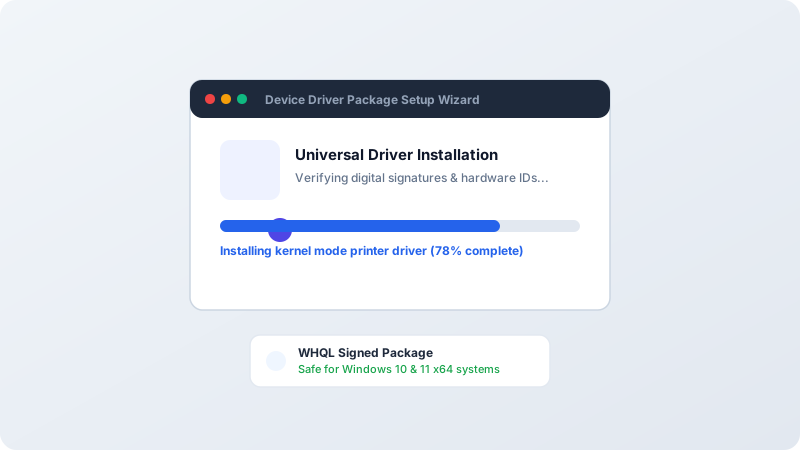
Universal Print Drivers (UPD) use standard PCL6 or PostScript protocols to communicate with hundreds of printer models from a single unified installer.
Why This Problem Happens
- Specific legacy printer models no longer have dedicated Windows 11 drivers.
- IT environments needing a single driver package across multiple office printers.
Step-by-Step Troubleshooting Procedure
Step 1: Download the Certified PCL6 Universal Driver
Objective: Select reliable print stream format.
- Visit HP or Brother support and search for “Universal Print Driver PCL6”.
- Download the 64-bit installer package.
Step 2: Choose “Dynamic Mode” or “Traditional Mode”
Objective: Select operational deployment.
- Run installer. Choose “Dynamic Mode” if roaming between different office printers, or “Traditional Mode” to create a permanent fixed printer queue.
Step 3: Configure Standard TCP/IP Port
Objective: Bind driver to printer IP address.
- In Printer Properties > Ports tab, add a Standard TCP/IP Port entering your printer static IP.
Verified Troubleshooting Tips
- PCL6 is faster for general office documents; PostScript (PS) is superior for graphic design accuracy.
Frequently Asked Questions
Will a Universal Driver support scanner functions?
No. Universal Print Drivers support printing only; scanner functionality requires separate TWAIN/WIA scanner drivers.